4 Module 4 · Beginner · 1–2 hours
Mobile WiFi Base Station
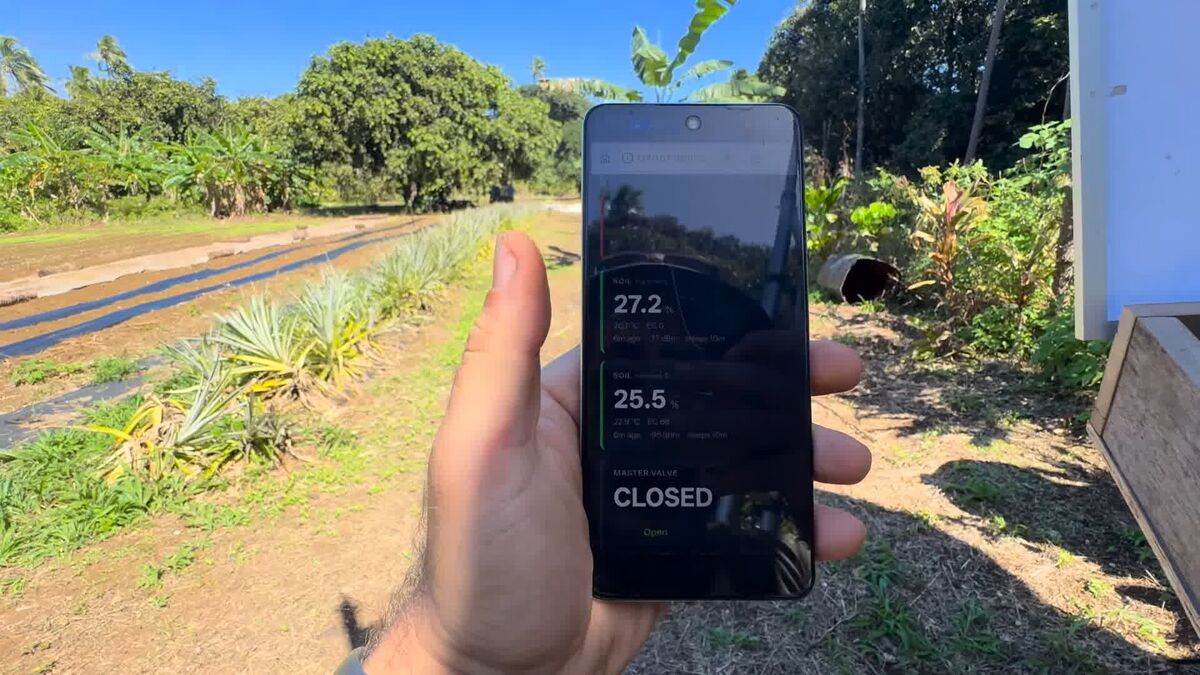
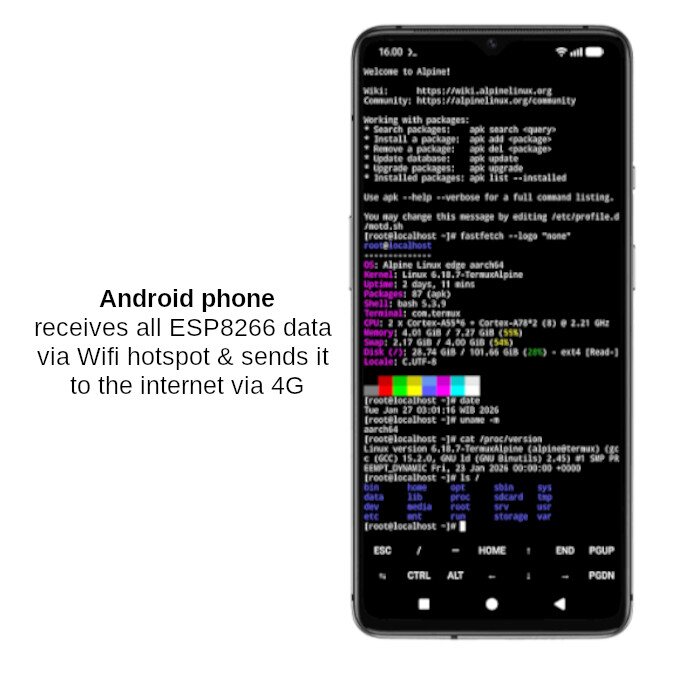
An old Android phone becomes the brain: it makes the WiFi network your sensors join, runs Node-RED to collect the readings, and uses its own 4G to get them to you anywhere.
An Android phone running Termux, Node.js and Node-RED: it makes the farm's network, receives live readings from every field node, and pushes them out over 4G to a small cloud service you control.
- Parts
- $19
- Build time
- 1–2 hours
- Steps
- 6
- Board
- Android phone
Why you would want this
- Gives every sensor a network to talk to, even with no router for miles
- All your readings in one place, on a dashboard
- Uses a phone you probably already own — close to free
- No computer needed to see your data
How it goes together
What you will need
| Picture | Part | What it does | NZ$ | Link |
|---|---|---|---|---|
 |
Android phone, v7 or newer
An old phone you already own is the intended answer. Ours is an OPPO A3 4G (CPH2669). |
Runs the WiFi hotspot and Node-RED — the brain | $0Zero because the intended answer is a phone you already own. A new OPPO A40 4G is about $249. | — |
| SIM with a data plan | Backhaul to the internet | ~$8.50 | — | |
| USB cable | Powers the ESP8266 and loads code onto it | $10Bought as a lot of ten for $100. | — | |
| Approximate total | $18.50 | |||
Prices are NZD, read off the linked listing on 2026-08-08. A figure marked ~ is an estimate — we have no listing for that part yet, so treat it as a placeholder rather than a quote. Prices move, and shipping to a small island is its own line item. Links are not affiliate links and we get nothing if you use them.
Wiring
What the phone answers
There is no wiring here beyond a USB cable — the interesting connections are network ones. These are the endpoints Node-RED serves once you import the bundled flow.
| Method | Path | Payload | |
|---|---|---|---|
| uplink | POST | /water | {node, ok, raw, depth_mm, valve, valve_open_s, rssi, uptime_s} |
| uplink | POST | /soil | {node, ok, moisture_pct, temp_c, ec, rssi, uptime_s} |
| downlink | GET (poll, 1 s) | /valve | "1" / "0" |
| page | GET | /page | live readings, one card per node |
| page | POST | /valve/set | sets flow.valveCmd |
Powering it in the field
On mains, plug it in and forget it. On solar it is the opposite: a plugged-in phone can never enter Android's Doze, so it runs at its awake floor forever and can outrun a 20 W panel on its own. Switch the charger, not the phone — and charging must be the default state, because if the phone is flat and the charger is off, nothing is left to turn it back on.
Build it, step by step
-
Turn on the WiFi hotspot
Settings → Network → Hotspot. Give it a name (ours is
FarmIoT) and a password, and write the password down — your sensor nodes need it. -
Install Termux — from F-Droid, not the Play Store
Termux is a Linux terminal that runs on Android, and it is how Node-RED runs on a phone. Install F-Droid, then search it for Termux.
-
Install Node.js and Node-RED inside Termux
Type these one at a time. The first two take a few minutes each.
pkg update && pkg upgrade -y pkg install -y nodejs npm install -g --unsafe-perm node-red node-red -
Import the ready-made flow and test it with curl
In the Node-RED editor: ☰ → Import, paste
flows/water-level-flow.json, Import, Deploy. You now have an endpoint at/water. Test it before any hardware is involved — open the debug sidebar and watch the message arrive.curl -X POST http://<phone-ip>:1880/water \ -H 'Content-Type: application/json' \ -d '{"node":"test","ok":true,"depth_mm":500}' -
Point a sensor at it
In the node's
config.hyou only need three things — and an IP address is not one of them.#define BENCH_MODE 0 // was 1 for bring-up #define WIFI_SSID "FarmIoT" #define WIFI_PASSWORD "your-hotspot-password" -
See your farm from anywhere — push out, don't expose in
The phone has 4G, so it can reach the internet — but the internet cannot reach it. Carriers put phones behind CGNAT: your phone shares one public address with thousands of others, so there is no port to forward and no address to type. Everything you read about port-forwarding assumes a home broadband line and does not apply here.
So the phone dials out. Node-RED buffers every reading and POSTs it in batches to a small service you control (
server/, ours runs atfarm.sunriselabs.io). Nothing on the farm is ever exposed, it works on any carrier with zero configuration, and it survives dropouts because the phone keeps a backlog and re-sends. On a metered SIM it costs about 60 requests a day.The same channel carries commands back: because the phone is already POSTing, the server answers each batch with the desired valve state — so you can open and shut Module 2's valve from a dashboard without anything on your farm being reachable from the internet.
Supporting files
Everything in the repository worth having on your own disk before you start — the sketch you flash, the flow you import, the datasheet you check a pinout against. Download saves the file; the path opens it on GitHub if you would rather read it first.
- flow flows/water-level-flow.json Start here — one endpoint at /water, wired with the http response node that everyone forgets Download flows/water-level-flow.json ↓
- flow flows/both-sensors-flow.json The full farm: soil and water in, the /page dashboard, and the valve downlink Download flows/both-sensors-flow.json ↓
- flow flows/push-to-cloud-flow.json Batches readings out over 4G to a server you control, and carries the valve command back on the reply Download flows/push-to-cloud-flow.json ↓
- server server/ingest.ts The small service the phone pushes to — receives batches, serves the dashboard, holds the valve state Download server/ingest.ts ↓
- doc server/README.md How to run the ingest service, and the auth on the dashboard Download server/README.md ↓
- server server/nginx-farm.conf nginx config — TLS in front of the ingest service Download server/nginx-farm.conf ↓
- server server/farm-ingest.service systemd unit, so it comes back after a reboot Download server/farm-ingest.service ↓
- doc project/bench/03-bench-phone-power.md Runnable bench sheet for a 24 h measurement of the phone's real draw Download project/bench/03-bench-phone-power.md ↓
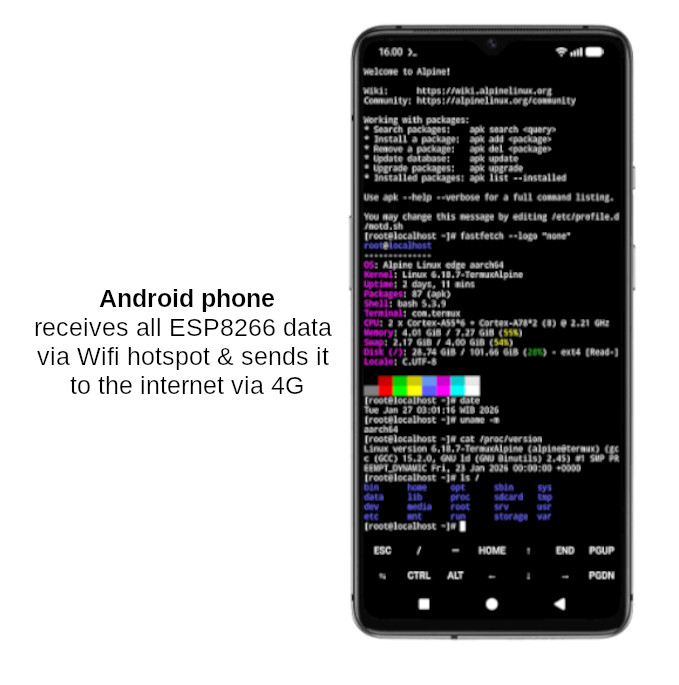
- image docs/wiring-diagram-module-4-phone.jpg The module picture at full size Download docs/wiring-diagram-module-4-phone.jpg ↓

Or take the lot: download the whole
repository as a zip, or git clone https://github.com/sunrise-labs/farmers-iot-toolkit.git. Each sketch needs its
config.example.h copied to config.h and edited — the real
config.h is never committed, because it holds your WiFi password.
When it doesn't work
Ordered roughly by how often it has actually been the answer.
| Symptom | Almost always | What to do |
|---|---|---|
| Node can't find the WiFi network | Hotspot off, or name mismatch | Check the hotspot is on and the SSID matches config.h exactly. |
| Can't open Node-RED in the browser | Node-RED isn't running | Open Termux and start it again — and check the wake-lock. |
| Dashboard shows no data | Node posting to the wrong address | Leave POST_HOST empty and let the node derive it from the gateway. |
| Flow looks healthy but nothing is scheduled | Android froze the timer | Make it event-driven; hold a wake-lock; set Termux to Unrestricted. |
| Phone battery drains fast | Hotspot + Node-RED never sleep | Keep it charged — and on solar, duty-cycle the charger, not the phone. |
| Mobile data disappearing quickly | Sending too often | Batch readings, or send summaries rather than every sample. |